- MCP Server
- Agentic tooling
Stream Estate MCP
MCP server that lets AI agents search French rental listings through the Stream.estate API
What it does
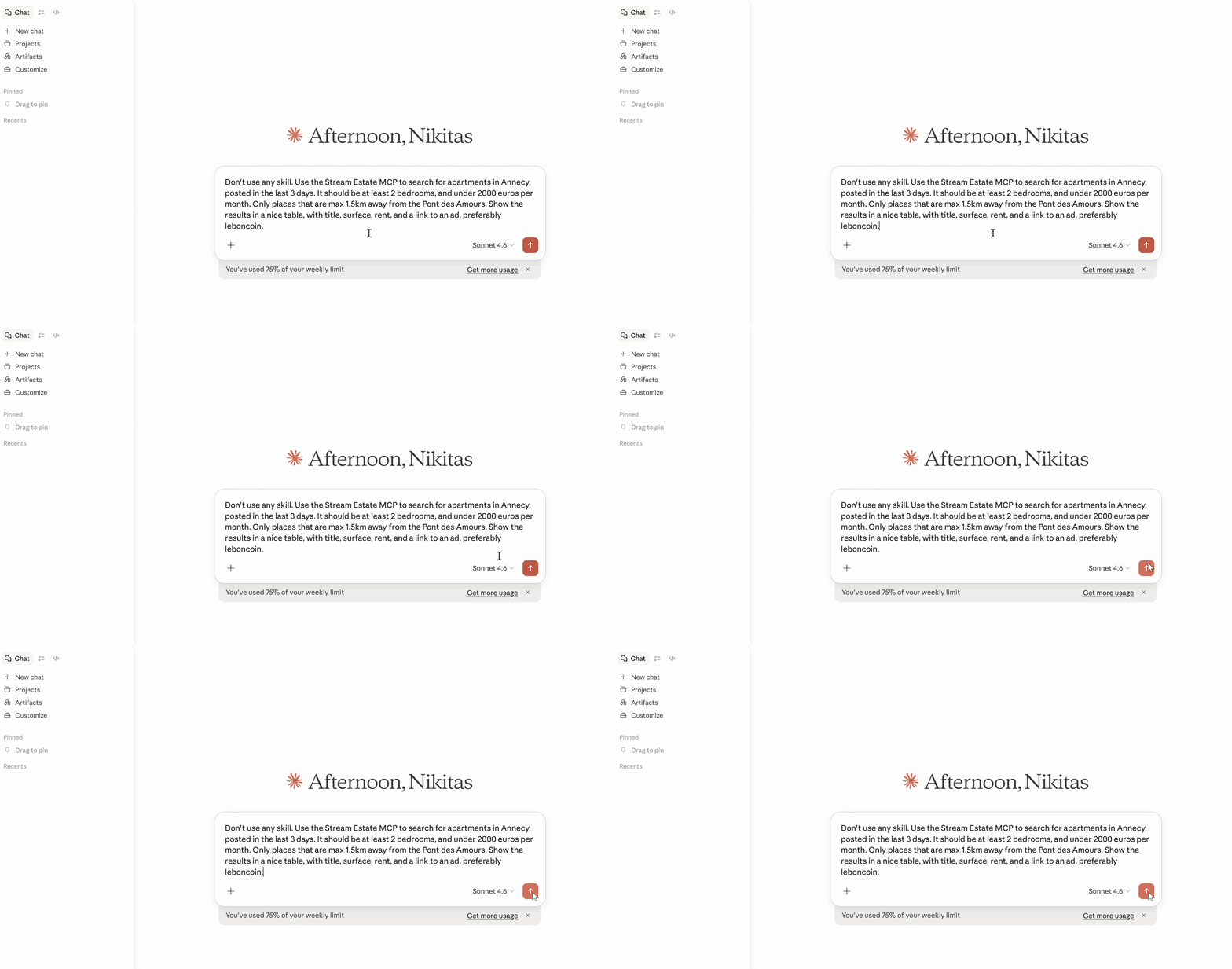
Exposes Stream.estate’s rental property search as a Model Context Protocol server, so that users can give this as a tool to their AI agent, and query the French rental market in natural language. Users can search by many different fields, like price, type, rooms, listing age.
One of the most useful parts is the location searching. Simple cities and neighbourhoods do work. However, the combination of an AI agent with the powerful underlying API means that users can do queries like: “All properties in a radius of 1.5 km from Annecy Pont des Amours”, or “All properties in the area between the following four points: Annecy Gare, X supermarket, Y park, Z road” The AI agent will then translate those to coordinates, and pass them to the API, making the precise area search much more user-friendly.
Why I built it
A friend of mine was searching for a new apartment, which meant checking multiple sites, setting up alerts on all of them, dealing with duplicates, and so on. While looking for a way to make that easier, I came across the Stream.estate API. However, it was clearly meant to be used by other developers / apps.
Since at that moment I was playing with Claude and its then-new “cowork” features, I thought that if I could wire up this API to Claude, it could have a scheduled task checking every morning for new listings and showing them, presenting them in a nice way for comparison and making my friend’s life easier.
It was also a great way for me to understand more about AI tooling, since MCP is becoming the standard way to give language models access to real tools and data.
How it's built
Initially I started with building a local STDIO MCP server. I reached for my comfort tools, Java and Spring, and sure enough, Spring AI already provides tools for doing that work quite easily.
I just needed to create a REST client for the specific call I was making, and expose it as an MCP tool through annotations.
This worked well for me, but I wanted an easy way for my friend to use it, without having to give them a jar, or have them set it up through JSON settings, etc.
Thus, I switched to a Streamable HTTP MCP server. Doing this was very simple on the surface, but introduced some interesting challenges regarding authentication and authorisation, as you’ll see later.
Challenges / What I learned
While this was a simple few-day project, it ended up having a few nice challenges and a great experience to take away.
MCP Server:
Designing an MCP server for a simple API call was easier than expected, with Spring providing nice tooling out of the box.
API Costs:
Yeah, I did it! I finally joined the club of all the people I was reading on Hacker News about accidentally incurring crazy costs from services etc. #JoinTheClub
In short: Stream.estate gives 5 euros of free credits for testing with the registration, which is enough for my use case for months. Seeing how it was credit-based, I felt very safe that I wouldn’t incur extra costs, so I was less careful about understanding the full pricing scheme. And, seeing as I just needed to do 10-20 requests in total to test and understand their API, I thought there was no way that I was in any danger. But it turned out that their per-item pricing, in combination with one of these calls not having a sensible default limit, and their gateway needing some time to adjust before it starts blocking calls, meant that when I randomly checked, I suddenly had a bill of hundreds of euros!
After being in contact with them, talking through the use case, and disputing the bill based on the fact that it was credit-based etc, they have been super helpful and understanding and accepted that. Moreover we talked about how their upcoming new version will actually deal with some of those issues. But yes, for a bit it was panicky, and a lesson I had read about many times truly engraved this time.
Authentication & Authorisation:
Another part with nice challenges and takeaways was the usual suspect, authentication & authorisation. As you can guess, following the above incident, I didn’t want to be using my API key and credits. But Stream.estate didn’t offer OAuth2 (so my app can authenticate on behalf of the caller with their API key). Moreover, I wanted to make it easy for users to connect, without having to do any tinkering in files. They just needed to obtain an API key (which comes with free trial credits).
So, I ended up with the following solution:
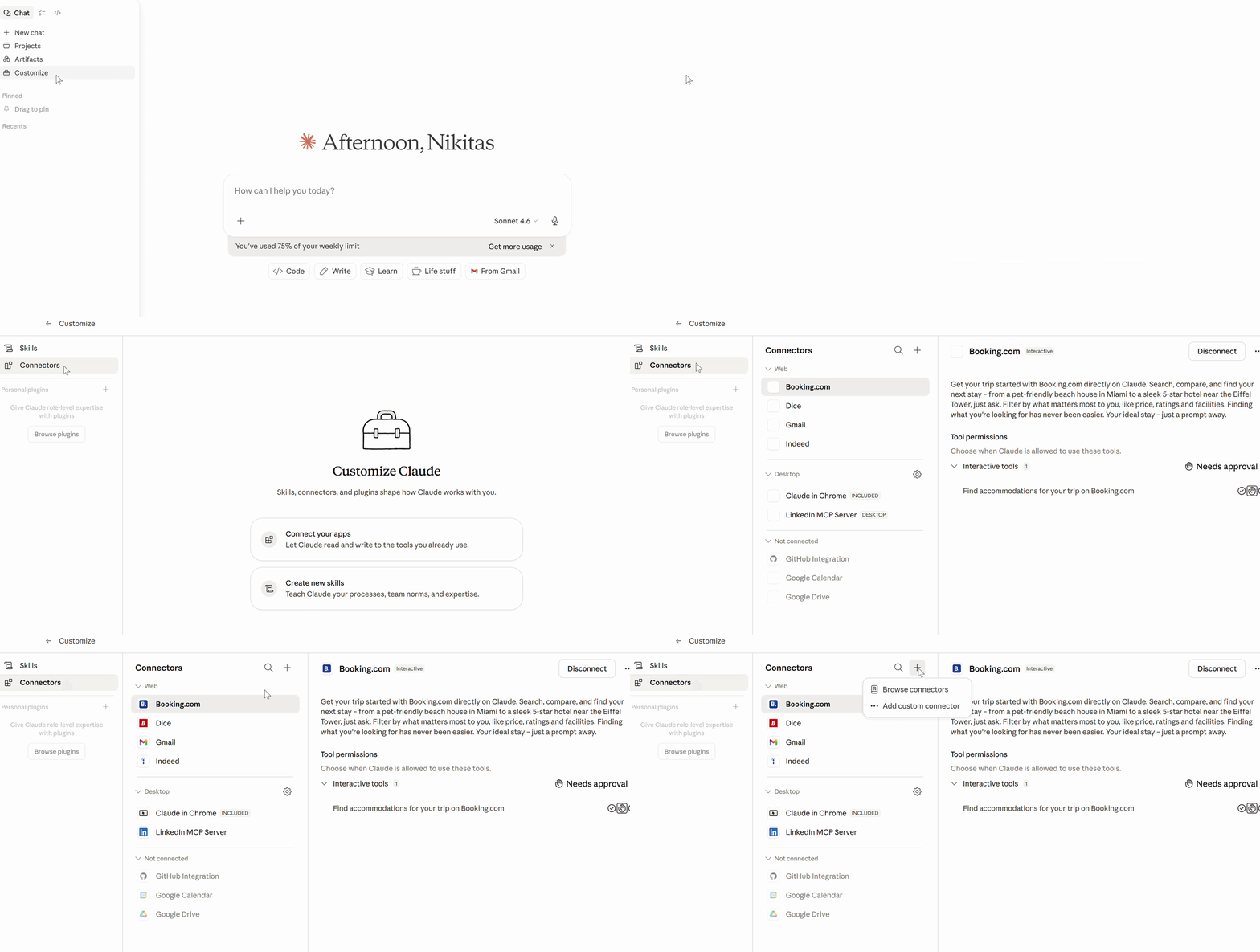
- My server acts as an OAuth2 server, and Claude Desktop uses Dynamic Client Registration to register itself, without the user having to do any extra manual setup
- The user gets redirected to a login page, where they enter a username and an API key. Then, their API key is validated by a call to the underlying API, and only if it’s valid do they get “auto registered”, with their key as a claim in the JWT token, so that subsequent calls will just work. There is no database or anything, everything is ephemeral, and the API keys are not stored anywhere or logged, they are only temporarily in memory. On any restart they are all lost, but for the user that simply means that next time they write a prompt, Claude will redirect them to the login page first. If they have saved their credentials in a password manager for example, they will simply click login, and they will be silently re-registered and everything works.
- Handling other people’s API keys meant I had to be extra careful: Never store anything, never log them, and set up a privacy policy, terms and conditions, and clear warnings with best practices for anyone using this, while also getting the green light from Stream.estate that this was not violating their terms and conditions.
Screenshots