- Plugin
- Syntax highlighting
- LSP
Cadence IntelliJ Plugin
IntelliJ Platform plugin that brings Cadence language support to JetBrains IDEs: syntax highlighting plus semantic features over the Cadence language server. Built for Flow’s Flip Fest buildathon.
What it does
Adds support for Cadence, the language used on the Flow blockchain, to IntelliJ-based IDEs. It does two largely independent things.
Syntax highlighting: every
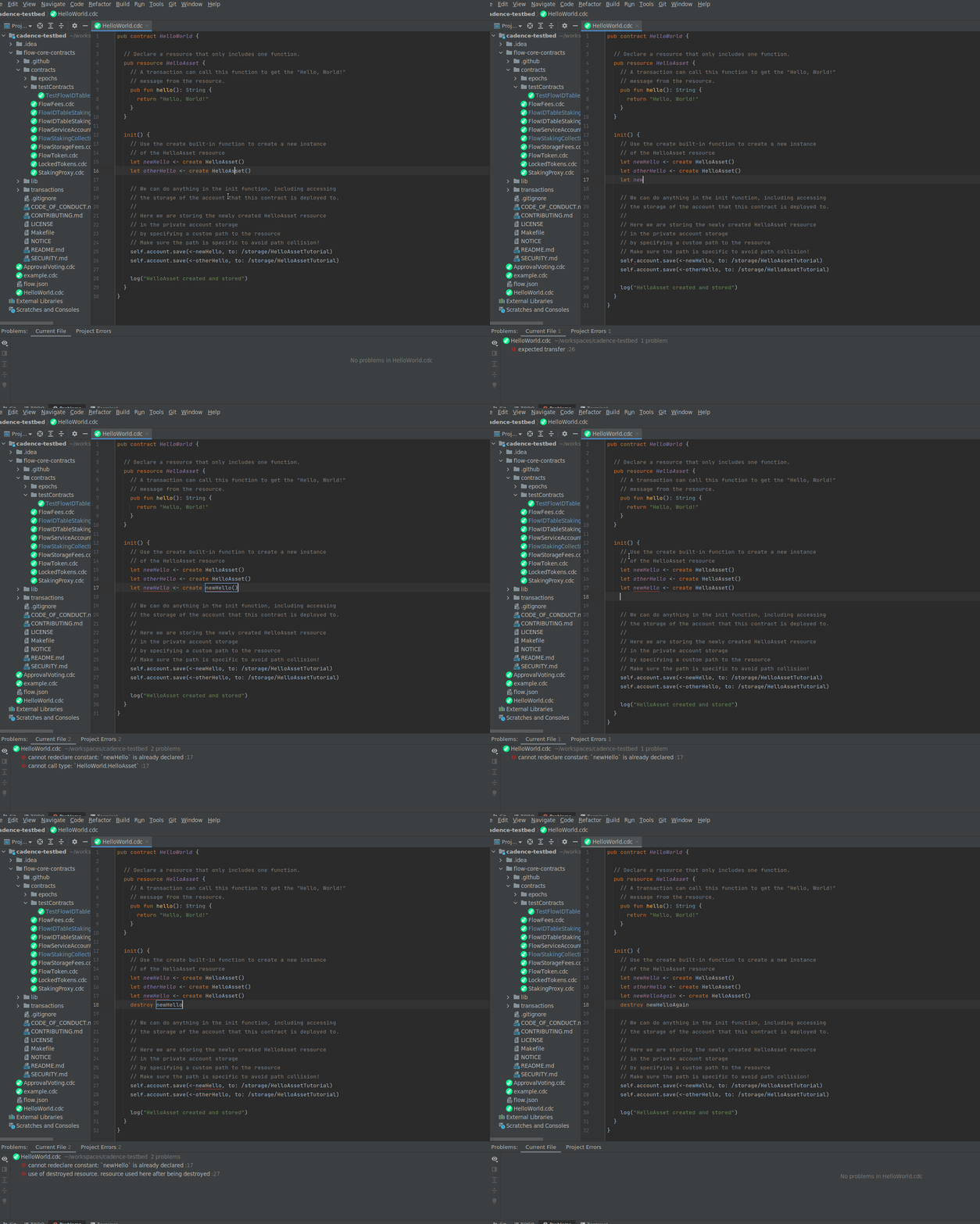
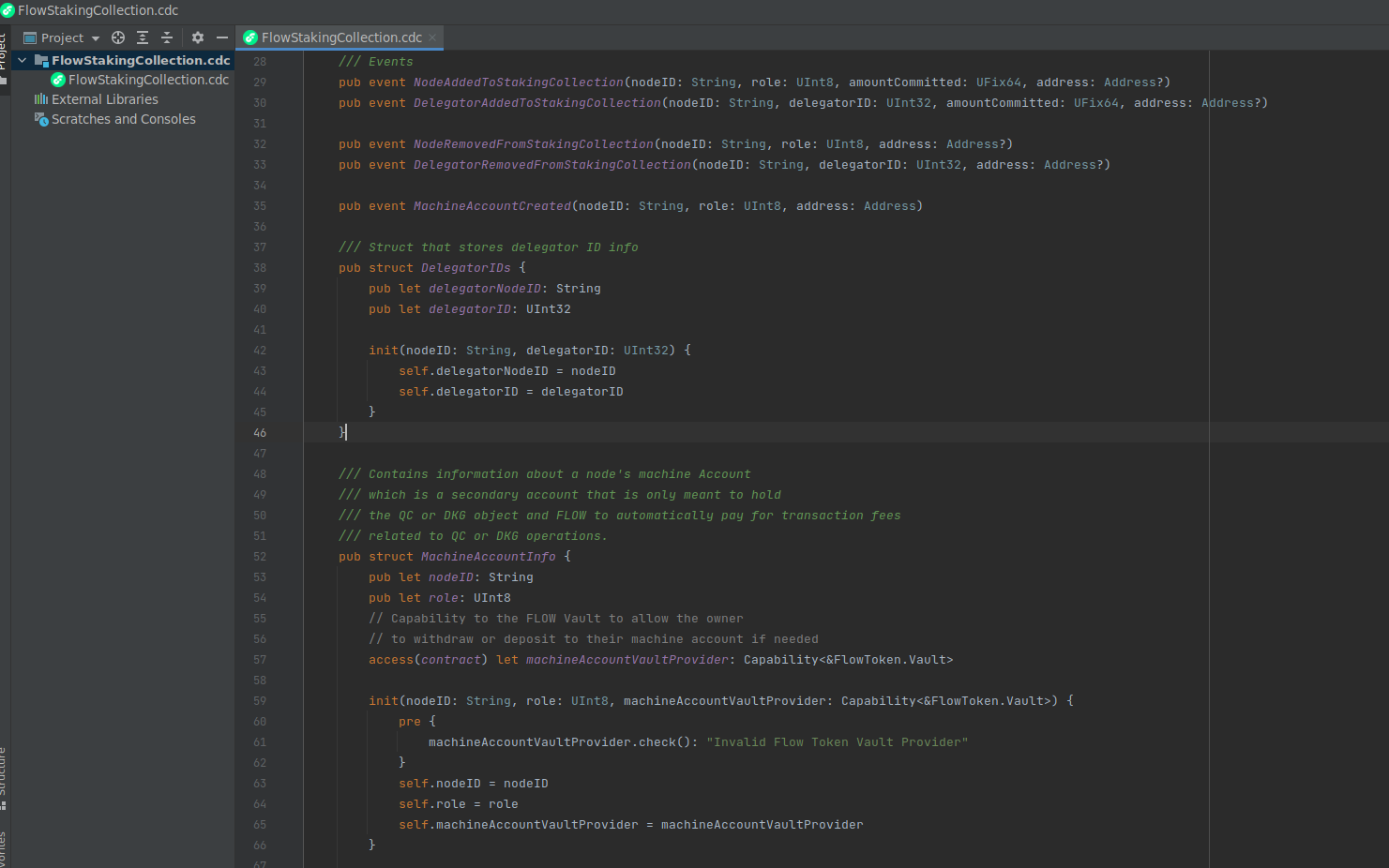
.cdcfile gets keyword, type, and structural colouring so contracts read like code instead of plain text. The colours follow whichever IDE theme you use and can be customised under Settings, Editor, Color Scheme, Cadence.Semantic features: error diagnostics, code completion, rename, and go-to-symbol. These come from the official Cadence language server (bundled in the Flow CLI), which the plugin launches and wires into the editor.
It is published and can be installed from the JetBrains Marketplace.
Why I built it
Around that time, I was looking to understand the technologies around crypto and smart contracts a bit better. Randomly I saw this buildathon, with prizes for every issue tackled, and noticed that one of them was about adding IntelliJ support, custom syntax highlighting and semantic support through their LSP server. IntelliJ is my go-to IDE, I didn’t know much about grammars, and LSP was something I’d been wanting to understand better, so I decided to try it out. I really liked the idea of not just building a toy project, but actually publishing it properly and having people use it.How it's built
Built on the IntelliJ Platform SDK in Java (JDK 11), in two distinct layers.
The syntax highlighting is a JFlex lexer that tokenises Cadence source, paired with a small GrammarKit grammar that groups those tokens into a valid PSI tree. A syntax highlighter maps each token to a theme colour. The actual lexer and parser code are code-generated by IntelliJ tooling (GrammarKit and JFlex), but I still had to manually define the tokens, rules and their states, which is done in the .flex and .bnf files.
The semantic layer uses the official Cadence language server, which it launches and then bridges into the IDE through the lsp4intellij library.
Settings for this (setup of LSP, colours for the highlighting etc) can be changed by a panel in IntelliJ settings.
It’s packaged as a standard plugin, signed and published through the JetBrains Marketplace.
Challenges / What I learned
That was actually a very interesting project, as it touched on multiple topics I didn’t have any knowledge about.
Grammars and syntax highlighting
I had to learn all the basics around how programming languages work, grammar, BNF, etc. Understanding them is one thing, getting to implement them and test, fighting all the edge cases, is another. The good thing is I figured out a quick way to test early, by being able to install the plugin in my IntelliJ and then opening some very complex open source smart contracts, and seeing where the highlighting broke.
LSP Support
The second part was about LSPs. Although I didn’t write the LSP server for Cadence, I still had to understand the general ideas, how they work etc. Moreover, I had to tackle the fact that IntelliJ doesn’t provide support for LSPs, which are the new way of setting up semantic support for languages. I had to find libraries which did that, but the integrations had their own issues, were not well maintained etc.
Publishing in JetBrains Marketplace
Publishing was also another interesting experience, having to do all the setup properly, also organize my “release process” with generating a release, signing it and publishing it.
All in all, it was a very interesting experience, and although I had no connection to the Cadence language or Flow in general, I got to do some interesting work, got some people to use and be thankful for my plugin, present it in the buildathon and get a prize for it.
Screenshots